What do we have here?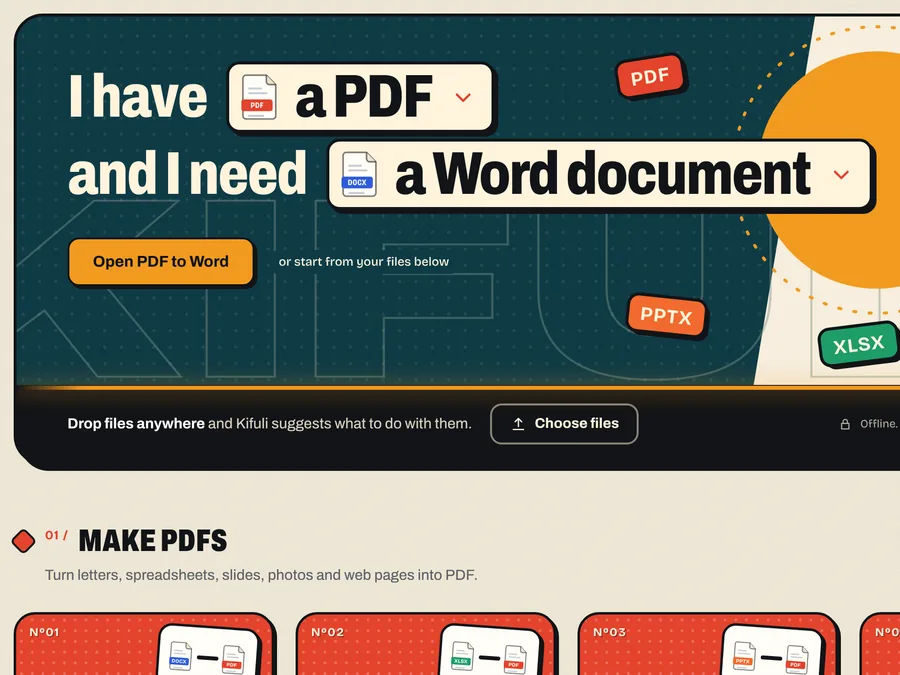
STEP 1
Drop your files
Drag files onto Kifuli, or pick a tool first. PDFs, Word, Excel, PowerPoint, photos and scans all work.
Kifuli converts, merges, compresses, signs and protects your files on your own computer. PDF, Word, Excel, PowerPoint, photos and scans. No uploads, no account, works offline.
Tell Kifuli what you have and what you need, or drop files anywhere and it suggests what to do with them.
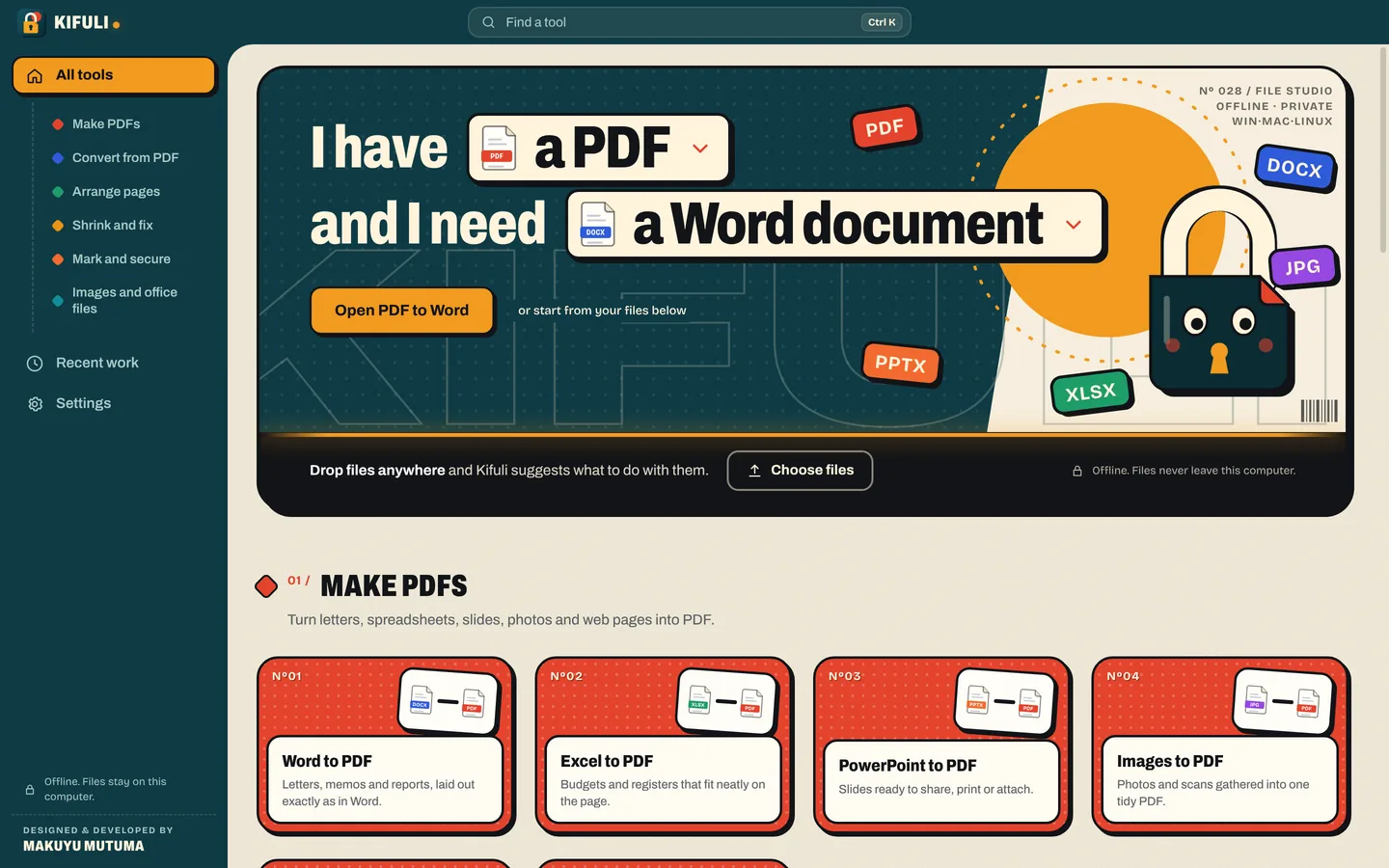
I haveand I need
From the files your office sends you to the forms the government portal wants. Each tool works on many files at once.
Turn letters, spreadsheets, slides, photos and web pages into PDF.
Get editable Word, Excel and PowerPoint files, images or text back out.
Merge, split, reorder, rotate and remove pages.
Make files smaller, repair damaged ones and read scanned text.
Watermarks, page numbers, signatures and passwords.
Change image and office formats without making a PDF.
Drag files onto Kifuli, or pick a tool first. PDFs, Word, Excel, PowerPoint, photos and scans all work.
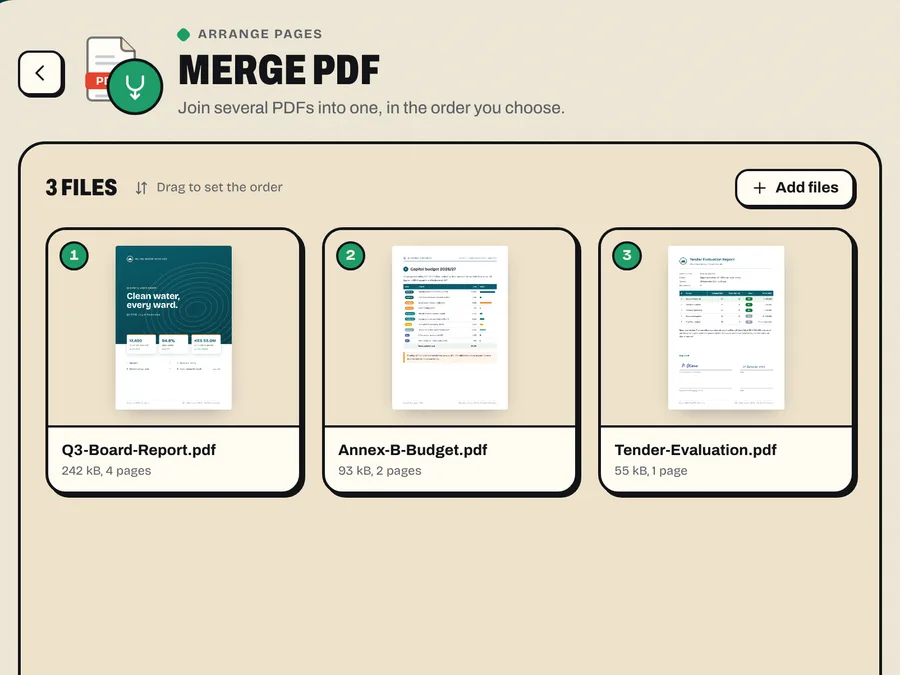
Kifuli suggests the right tools for what you dropped. Set the few options that matter.
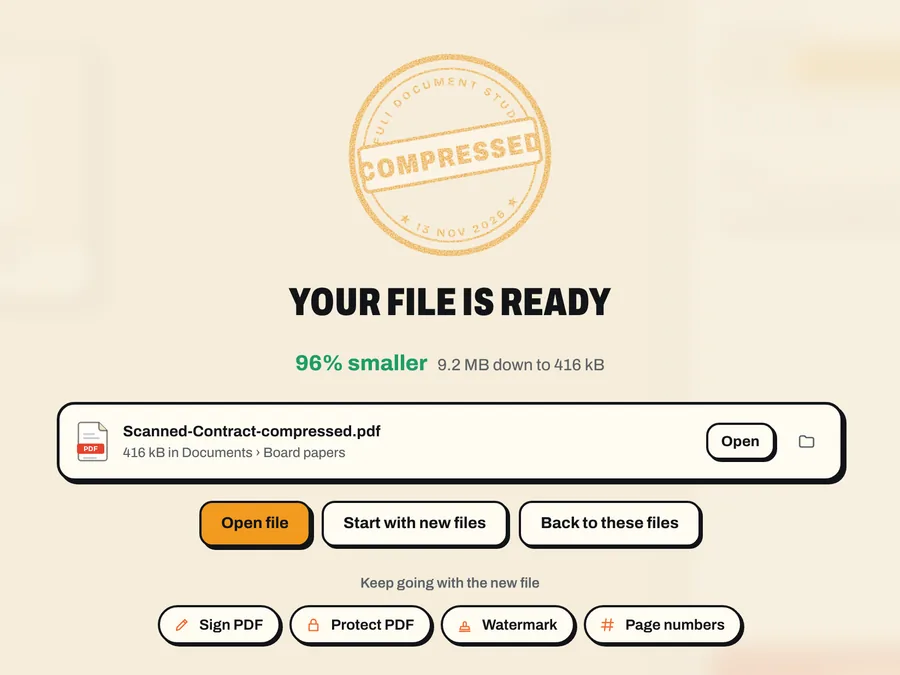
The new file is saved next to the original. Nothing was uploaded, so nothing waits in a queue.
Free converter websites keep a copy of what you upload. Your ID, your payslip, your client’s contract. Kifuli does the same work without sending anything anywhere.
Every tool runs on your computer. Flights, outages and bundles running out do not stop you.
Pay once through Paystack and download on the spot.
Turns scanned pages in English and Kiswahili into searchable text.
One licence, any of your computers.
Your laptop, your desktop and the one at home. Move it any time.
Lock PDFs with AES-256 encryption, and sign them without printing.
New versions use the same key.
Drop a folder and every file in it is converted.
Microsoft Office or the free LibreOffice give the most faithful Word, Excel and PowerPoint conversions. Without them, Kifuli’s own engine does the work.
No subscription and no renewals. One payment gets you every tool, on up to 3 computers, with free updates. Buyers abroad pay by card: KES 1,200 is about US$9, converted by your bank.
Personal licence · international cards welcome
Buy once and download the version for each of your computers from your Kifuli page.
Windows 10 and 11 (64-bit).
How to install on WindowsmacOS 12 Monterey or later, on Apple silicon and Intel Macs.
How to install on Mac64-bit Linux: Ubuntu 22.04 or newer, Debian 12, Fedora 39 and similar.
How to install on LinuxBuy it on this website. Right after you pay, your Kifuli page opens with the downloads for Windows, Mac and Linux, your licence key and a one-click Activate button. We email you the link too.
KES 1,200 once, about US$9. That is a personal licence for up to 3 of your computers, every tool, and free updates. There is no subscription.
Through Paystack, with M-Pesa or a Visa or Mastercard card. Cards from outside Kenya work too: you pay KES 1,200 and your bank converts it (about US$9).
Only to buy, download and activate it. Converting works offline. When you are online, Kifuli quietly confirms your licence every few days; if a computer stays offline for months, connect it once. Your files are never sent anywhere.
No. Kifuli reads and converts files on your own computer. Activation sends only your licence ID and an anonymous code for the computer, never your documents.
Windows 10 and 11, macOS 12 or later on Apple silicon and Intel Macs, and 64-bit Linux (.deb, .rpm and AppImage).
Yes. Your licence works on 3 computers at a time. Remove the old computer on your Kifuli page, then activate the new one.
No. A key works on up to 3 of your own computers and each activation is checked. Need it on more computers, or for an office? Buy one licence per three computers, or contact us.
No. Kifuli is for buyers only. Every tool page has an animated manual that shows the tool at work, screen by screen, as it looks in Kifuli. The install guide shows every step, and you can ask us anything before you buy.
Kifuli is a digital product delivered instantly, so all sales are final. If you were charged twice or did not receive your licence, contact us and we fix it.
Enter your email on the Help page and we send a fresh link to your Kifuli page, with your downloads and key.
No. Kifuli has its own conversion engine. If Microsoft Office or the free LibreOffice is installed, Kifuli uses it for the most faithful Word, Excel and PowerPoint conversions.
KES 1,200 (about US$9), once. Pay with M-Pesa or card and download Kifuli for every computer you use, right away.